New to Zen?
Start with the connection advisor and the install checklist.
Start here →Eight useful browser tools made specifically for Cronus Zen and Zare Scripts. Nothing here changes your connected hardware.
Platform checks, install tracking, diagnostics and safely recorded settings.
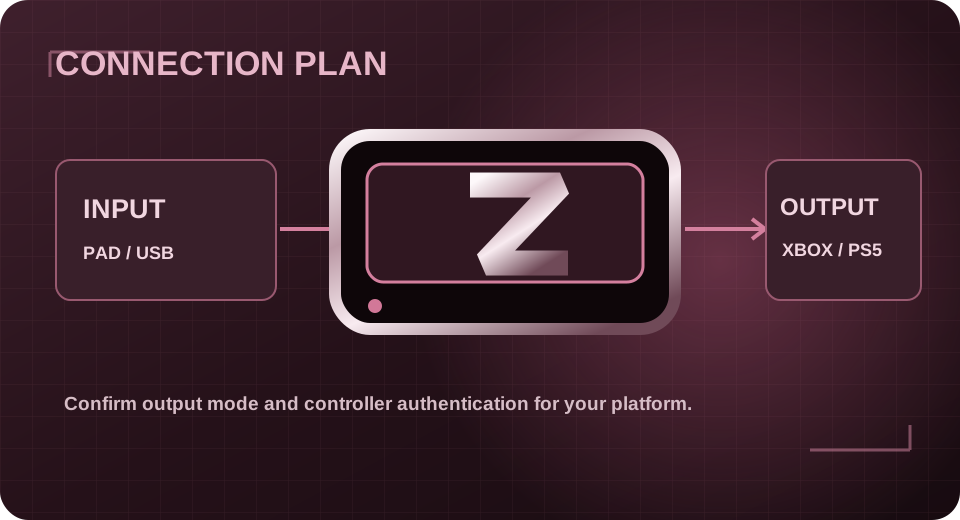
Choose a platform and controller to build a setup checklist.
OPEN TOOL →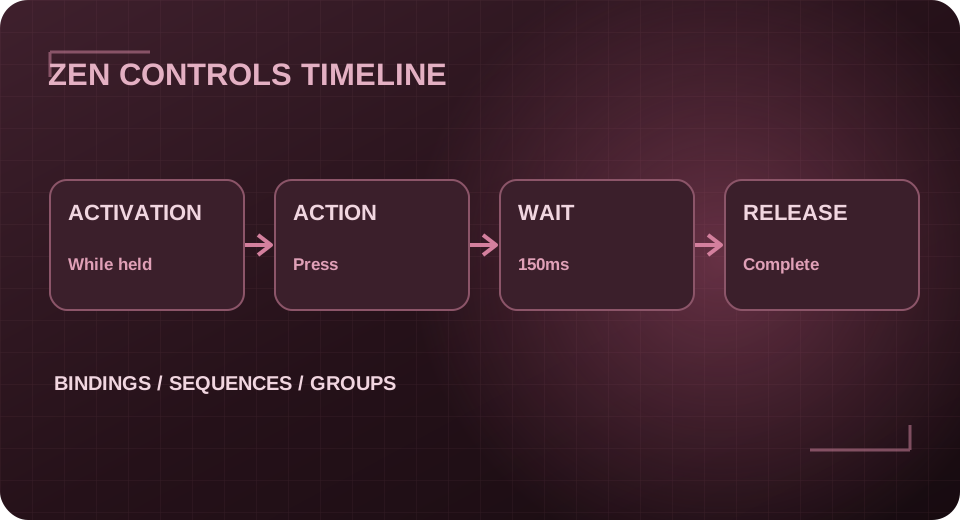
Track programming steps and export a completion record.
OPEN TOOL →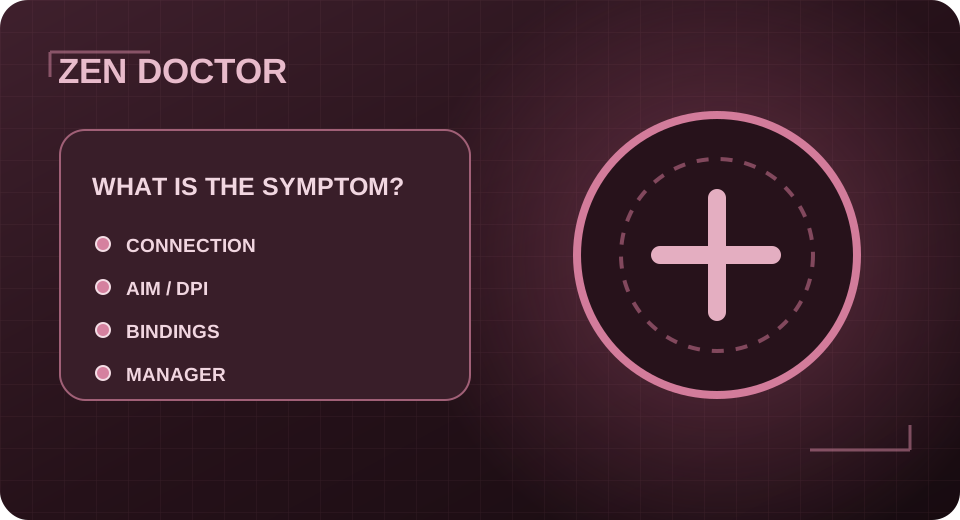
Diagnose USB, OLED, controller and script-save symptoms.
OPEN TOOL →
Record baseline and test observations without changing script values.
OPEN TOOL →
Get a navigation and save-verification checklist.
OPEN TOOL →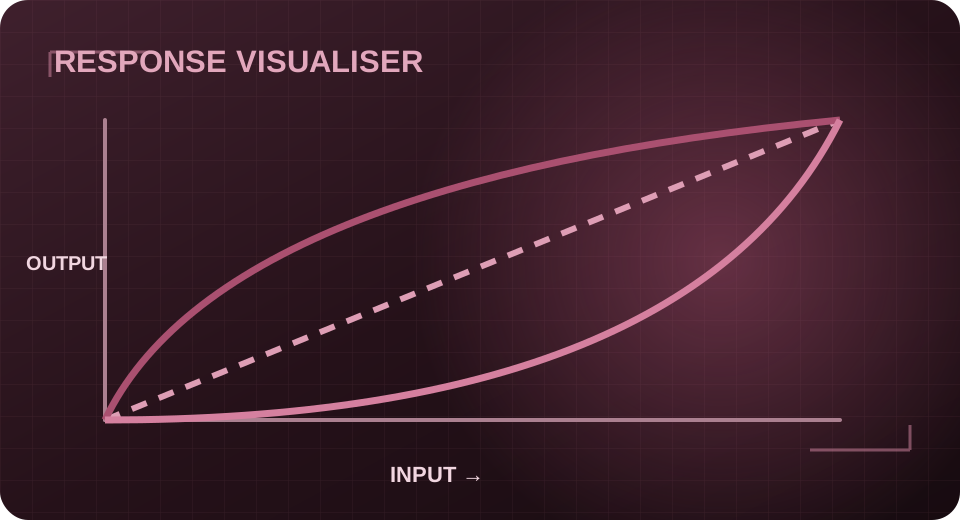
Calculate controlled before/after value changes with a clear audit trail.
OPEN TOOL →
Match platform, controller, file type and required installation method.
OPEN TOOL →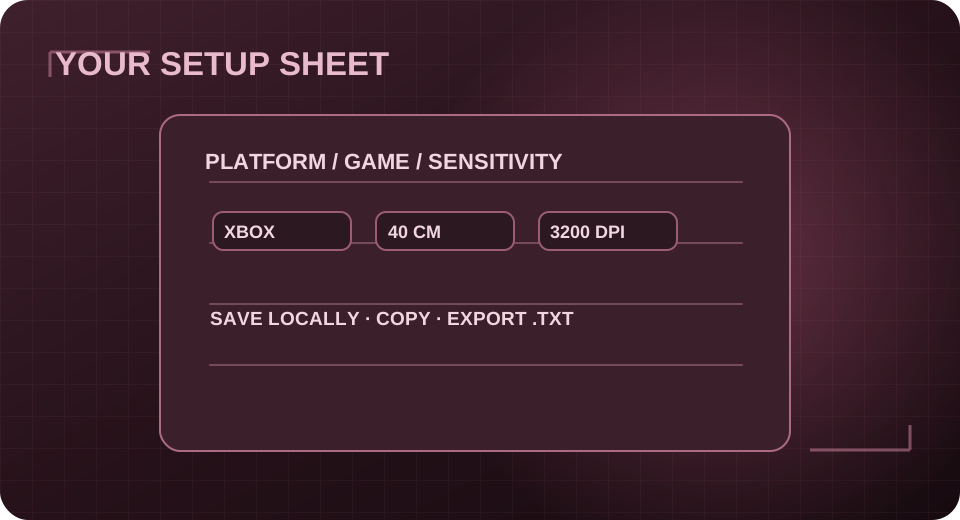
Save and export setup notes locally in your browser.
OPEN TOOL →Start with the connection advisor and the install checklist.
Start here →Use Zen Doctor to organise symptoms before contacting support.
Run checks →Save it with the local setup sheet so you can reproduce the values later.
Save setup →For product-specific questions, reach the Zare Scripts team in the official Discord.